📈 Introducing Lodgify’s Analytics for Ultimate plan users
We have migrated and renamed the Control center from PM Modules to offer a unique experience. Now housed in the Reports section, it's called Analytics. While the graphs and functions remain as you know them, this shift lays the foundation with a fresh new design.
Here's how to get started:
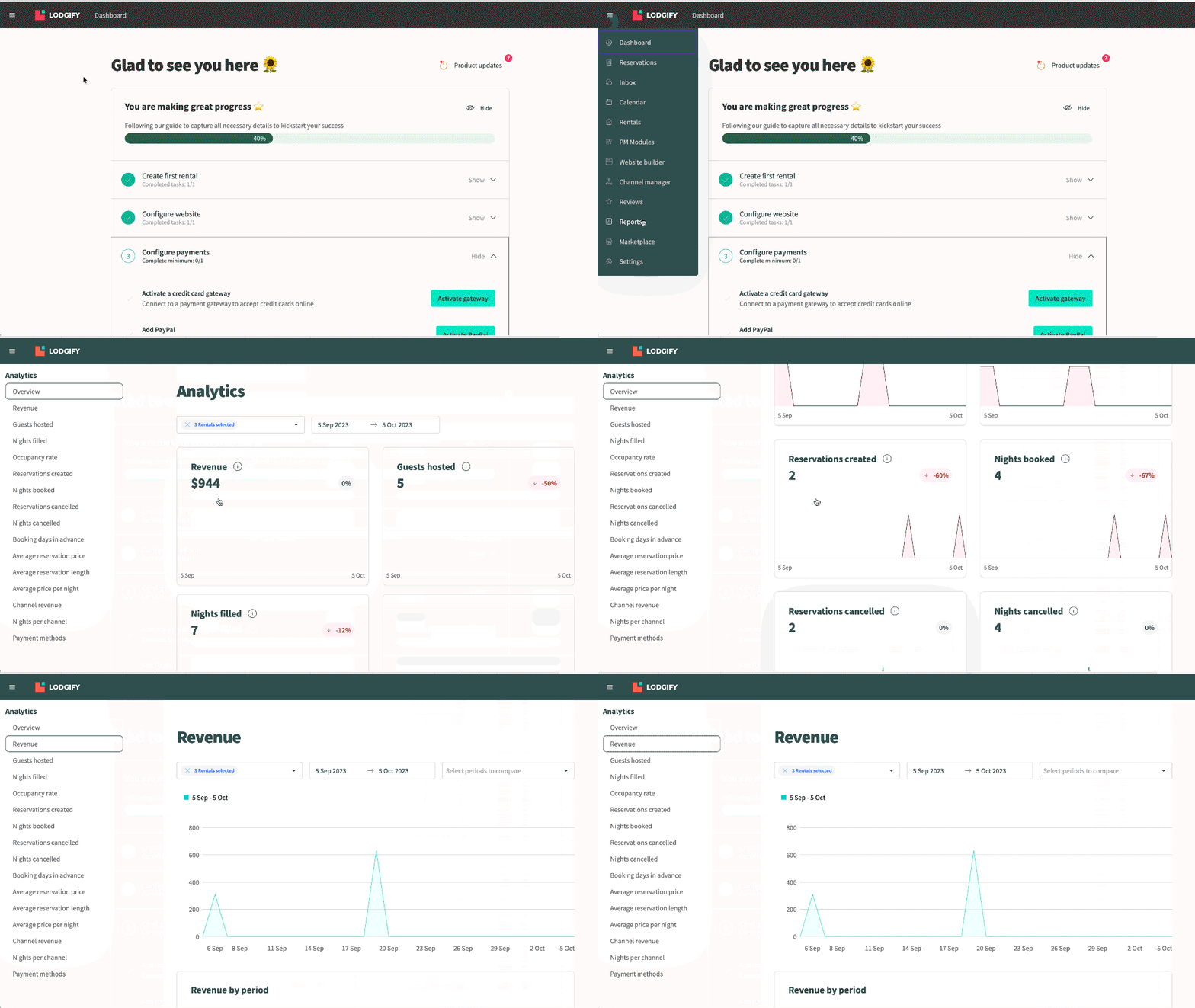
Go to the Reports menu to access Analytics (exclusive to Ultimate plan users).
In the Overview section, find quick, insightful tooltips alongside a concise summary of charts. The charts here are color-coded for easy comparison (red for decreases, green for increases). Feel free to filter by rentals or dates for added flexibility.
For a detailed view, click on individual charts listed below the Overview. Here, you'll find comprehensive insights and supplementary tables for each of the charts. Plus, you can fine-tune data with specific rentals, and compare performance in different time ranges.
Feel free to explore this new section. If you still wish to consult the former Control center version, it's still accessible in PM Modules for now.